For AgentsNovember 2, 20267 min read
Stellar MLS photo rules, in plain English.
By Chase Bittner, Owner · FAA Part 107 certified remote pilot
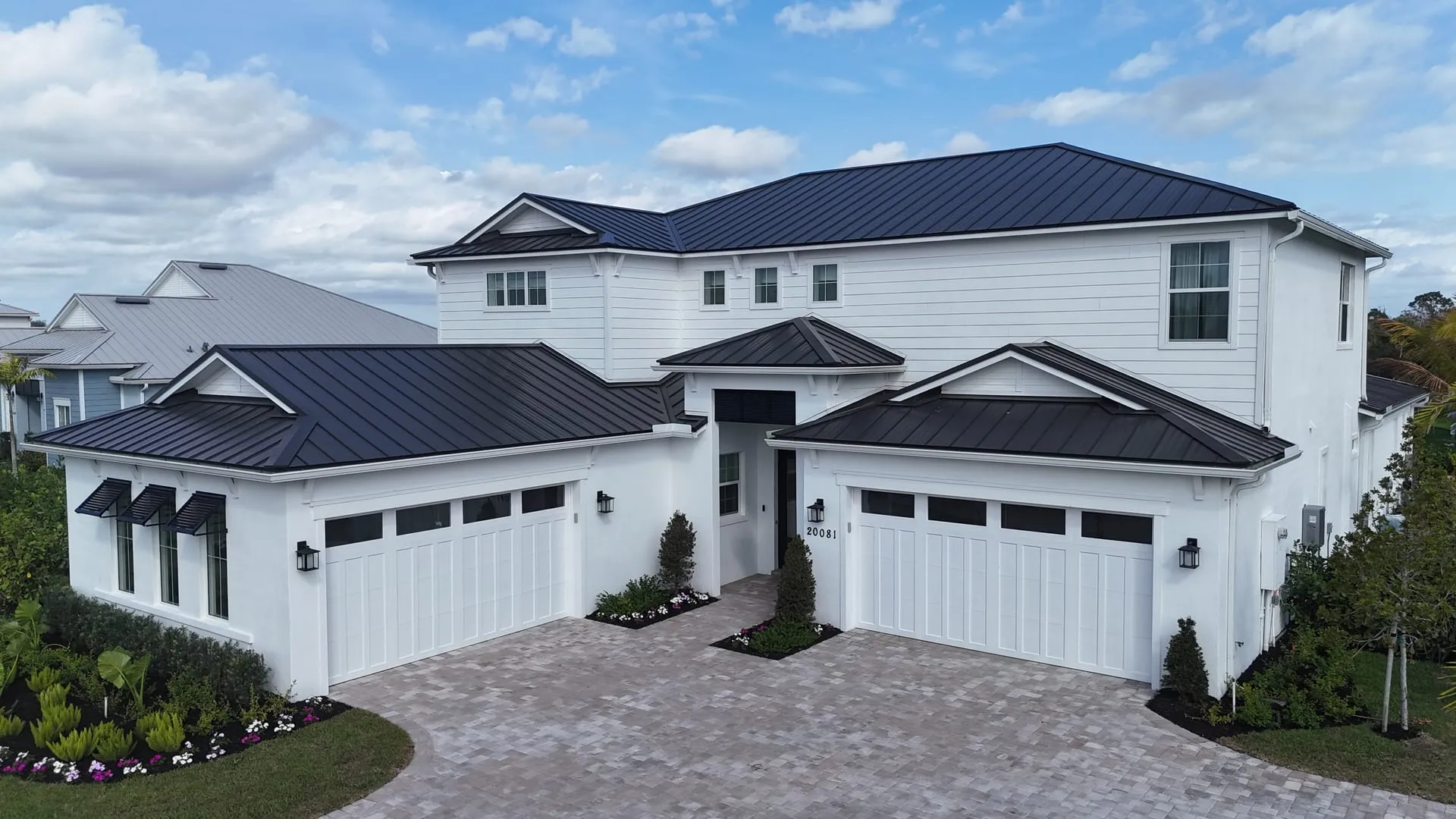
Stellar MLS, the MLS for The Villages, Lake, Sumter and Marion counties and most of Central Florida, has firm rules on listing photos. The ones that matter most: the first photo must be the front exterior (or an aerial or water view with the front exterior second), photos cannot carry any branding, text or people, and virtually staged photos must be disclosed in three places. Breaking them can get photos removed and the listing fined.
This is a plain-English summary of the rules as of November 2026, mainly Articles 04.04 and 04.05 of the Stellar MLS Rules and Regulations. The rulebook is the authority, so check it, or ask your broker, when a listing is unusual.
The first photo slot
Before a listing goes active it needs at least one front exterior photo or rendering, an aerial photo or a water view, and the front exterior goes in the first slot on every property type.
- If you lead with an aerial or a water view, the front exterior must be in the second slot.
- A swimming pool does not count as a water view.
- For a condo water view, the photo must be mostly water, with no interior features.
- A collage cannot be the first photo.
- Vacant land needs a photo, aerial, rendering, site plot or plat map in the first slot.
The front exterior must show most of the home or building, and no broker or builder yard sign, or any seller contact information, can be visible. That is one more reason to take the sign down before the photographer arrives; see how to prepare your home for listing photos.
No branding, text or graphics
Photos and virtual tours cannot contain company or agent logos, agent branding, contact information, or text or graphics of any kind. The one exception is the Stellar MLS watermark. Only photographs, site plots, property sketches, line art or surveys of the property belong in the photo set.
Virtual tour links follow the same rule. The tour itself must be unbranded, it cannot name the agent, and it cannot link out to a business or social site. A third-party tour vendor's non-interactive contact line is the only contact information allowed.
That is why MLS media and marketing media are kept apart: unbranded photos, video and tour links go to the MLS, and branded versions go to your listing website and social media. An agent intro video belongs on the branded side, never in the MLS.
Floor plans can show room types, dimensions and finishes, but no branding. The floor plan's author may include a copyright notice.
No people in the photos
Photos, images and virtual tours that feature people are not allowed, costumes included. For aerial photos over public spaces, faces must not be identifiable, which is one reason drone passes over golf courses and town squares are flown high.
Virtual staging must be disclosed three ways
Virtual staging is allowed under Article 04.04, but every staged photo needs:
- The words "Virtually staged" in that photo's description field.
- The virtually staged checkbox ticked.
- Public remarks that begin with exactly: "One or more photo(s) was virtually staged."
Staging is not allowed on pre-construction or under-construction listings, and exterior photos cannot be staged except for unattached furniture or decor. See virtual staging vs physical staging for when staging is worth it, and our virtual staging service for how we handle it.
What editing can and cannot change
Every photo must present a true picture of the property. Stellar allows:
- Adding furniture, art, mirrors and plants that do not convey with the home.
- Replacing existing furniture with digital furniture.
- Twilight photos, as long as no lighting is added where none exists and the sunset or sunrise is where the sun really sets or rises.
Stellar prohibits:
- Adding, removing or changing permanent fixtures, inside or out.
- Adding views, lighting or landmarks that are not physically possible from the property, such as a gulf view that is not there.
- Editing out negative features such as holes in walls, exposed wiring or damaged flooring.
- Distorting room size, including small digital furniture that makes a room look bigger.
Removing temporary clutter, like cars in the driveway, cords or personal items, is a different thing from hiding a defect. What object removal can and cannot fix draws that line in detail. A virtual twilight cover photo stays inside the rules when the windows glow from lights that are really there and the sky matches the direction the home faces.
Copyright and reusing photos
Listing photos must be owned, purchased or licensed by the listing broker or agent, and another agent cannot copy them for a later listing of the same home. If a home comes back on the market with a new agent, it needs new photos or a license from whoever owns the old ones. Content that draws a copyright takedown is removed by MLS staff and carries a fine.
Penalties
Stellar fines by level. Signage in the front photo, unlicensed images and commercial branding are Level I. Content that draws a copyright takedown is Level II. Any mention of compensation offers in photos, tours or remarks is Level III, the most serious. Non-compliant virtually staged photos are removed and carry an automatic Level I fine.
Stellar-ready from the start
Every FrameFocus listing gallery is delivered MLS-ready, and staging and twilight edits are kept inside the rules above. If you are not sure whether an edit is allowed on a particular listing, ask us before it goes live. Book listing photography or see every real estate media option.
Keep Reading
For Agents
What object removal can fix, and what it cannot.
Read the PostFor Agents
What a real estate photo package should actually include.
Read the PostFor Agents
Virtual staging vs physical staging: what actually sells a listing.
Read the PostFor Agents